

Key Takeaways
- Florida business law protects companies from unfair competition, contract breaches, and partner disputes.
- Acting early saves time, money, and business relationships.
- An experienced business attorney helps you assess risk and choose the right legal strategy.
Table of Contents
- Contract Drafting Software Alternatives for Entrepreneurs: A Comparison
- Quick Comparison Table: Top Contract Drafting Solutions
- Best Contract Management Software for Startups
- AI Contract Drafting Tools: Automation That Scales
- Free Contract Templates for Entrepreneurs
- Contract Drafting Best Practices for Entrepreneurs
- How to Choose the Right Contract Software for Your Business
- When to Call a Lawyer Instead of Using Software
Last Updated: July 6, 2026
Contract Drafting Software Alternatives for Entrepreneurs: A Comparison
When launching a startup, legal documents pile up fast, NDAs, service agreements, employment contracts. Traditional lawyers charge thousands for routine documents, while DIY templates leave you vulnerable to missed clauses and liability. Contract drafting software offers a middle ground: dramatically lower costs while keeping agreements solid. Below, we’ll show you how to evaluate software options, spot tools worth your money, and know when you need a lawyer instead.
The market for contract management has exploded. What once meant hiring a law firm now includes everything from simple e-signature platforms to AI-powered drafting tools built for bootstrapped founders. Not all tools are created equal, some prioritize speed over precision, others cost more than hiring a lawyer for a year. The key is matching the tool to your actual stage and needs.
The biggest mistake entrepreneurs make is choosing a tool based on price alone. The cheapest option often creates more liability than it prevents. Pick tools that match your contract volume and complexity.
Why Entrepreneurs Need Alternatives to Traditional Legal Services
Hiring a lawyer for every contract is expensive. A simple NDA runs $500 to $2,000. An employment agreement costs $1,500 to $3,000. For bootstrapping founders, that adds up fast. By the time you’ve drafted five contracts, you’ve spent what you could have invested in product or marketing.
Speed is another problem. Lawyers work on their timeline, not yours. A contract that should take days can stretch into weeks while your deal sits waiting.
Contract drafting software solves both problems. You create documents in hours instead of days, at a fraction of the cost. The trade-off is clear: you lose personalized legal strategy but gain control, speed, and predictability.
The real question isn’t software or lawyer, it’s when each makes sense. Early-stage founders with simple contracts benefit from software. Founders negotiating complex deals or facing unusual situations still need a lawyer. Most successful entrepreneurs use both: software for routine agreements, lawyers for anything that could materially affect the business.
Quick Comparison Table: Top Contract Drafting Solutions
| Tool | Starting Price | Best For | Key Strength |
|---|---|---|---|
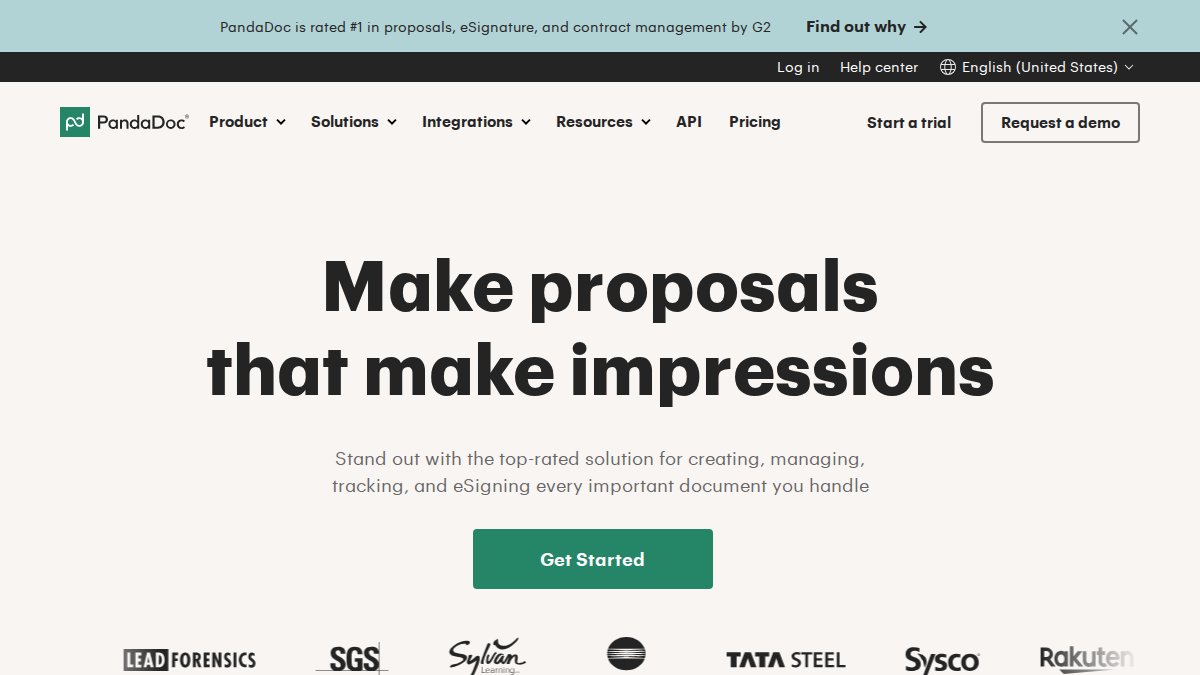
| PandaDoc | $19/user/month | Sales teams and small businesses | Excellent document design and CRM integrations |
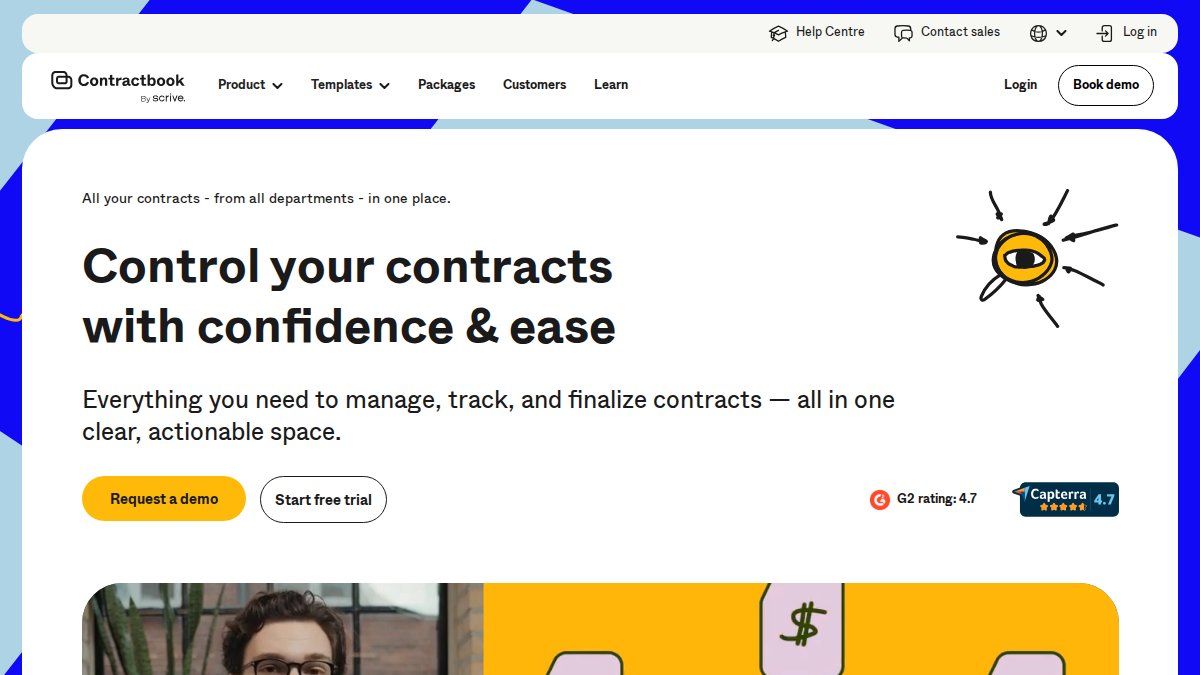
| Contractbook | Contact for pricing | Small to mid-size businesses | Automation and ease of use balance |
| Juro | Contact for pricing | Fast-growing companies | Unlimited users, AI-powered drafting |
| Dropbox Sign | $15/month | Freelancers and lean teams | Simple, affordable e-signature |
| Talking Tree | $20/month | Seed-stage startups | Extremely affordable AI drafting |
| DocuSign | $15/month | Businesses of all sizes | Industry standard, widely trusted |
| Ironclad | Contact for pricing | Enterprise legal teams | Advanced CLM for complex workflows |
Best Contract Management Software for Startups
The best contract management software for startups balances ease of use, affordability, and enough features to handle your workflow. Most startups don’t need enterprise-grade contract lifecycle management, they need something that gets a contract drafted, signed, and stored without friction.

PandaDoc stands out for teams creating multiple documents regularly. Its drag-and-drop editor makes formatting fast, and CRM integrations eliminate copying data between systems. The template library covers everything from proposals to service agreements.
Contractbook combines drafting, e-signature, and storage in one platform. Automation features, approval workflows, and reminders save time on repetitive tasks. For teams under 20 people, it’s a strong choice.
Juro appeals to founders who care about scale. The unlimited-user model means you don’t pay per seat as your team grows. AI-powered drafting and review catch issues humans miss.
If you’re a solo founder or small co-founder team, Dropbox Sign or Talking Tree serve you better than Juro. Save Juro for when you have a team of 5+ people creating contracts regularly.
AI Contract Drafting Tools: Automation That Scales
AI-powered contract drafting has moved from novelty to necessity. The best tools use machine learning to catch missing clauses, flag risky language, and suggest improvements based on thousands of comparable contracts.
Talking Tree represents a different philosophy than enterprise CLM platforms. Built by legal professionals specifically for startups at $20 per month, it integrates with Microsoft Word so you’re not learning a new interface. The AI reviews and redlines as you work, supporting NDAs, IP agreements, and employment contracts. For seed-stage founders, this is the most practical entry point into AI-assisted drafting. Its limitation is honest: it doesn’t handle complex or heavily negotiated agreements.
Juro’s AI approach is more sophisticated. It learns from your company’s historical contracts and adapts suggestions based on your negotiation style. This matters when signing dozens of contracts monthly. The system gets smarter about what terms you typically accept and which you push back on.
How AI-Powered Drafting Reduces Manual Errors
Manual contract drafting creates predictable mistakes: forgotten termination clauses, missed renewal dates, copied language with wrong party names. These compound into real liability.
AI tools catch these systematically. When you draft a service agreement, the system checks for standard clauses, flags missing definitions, and highlights contradictions. For founders who’ve never drafted a contract, this is like having a junior lawyer reviewing your work. Studies show AI-assisted drafting reduces missed clauses by roughly 40% compared to template-based DIY drafting.
But AI isn’t perfect. It catches structural errors and missing sections, not bad business deals. If you’re signing away your IP or accepting unlimited liability, the tool won’t stop you.
Free Contract Templates for Entrepreneurs
Free templates exist everywhere, LawDepot, Rocket Lawyer, and countless legal websites offer downloadable templates for common contracts. They’re appealing because they cost nothing and require no signup.
Free templates work best for simple, one-way agreements where you’re not expecting negotiation: a basic NDA between you and a contractor you’re evaluating, or a simple service agreement for straightforward freelance work.
Templates break down in three scenarios. First, when the counterparty has their own template, negotiating from a free template is painful. Second, when the contract involves significant money or IP transfer, the stakes are too high for template risk. Third, when you’re in a regulated industry like healthcare, finance, or real estate, which have specific legal requirements that generic templates miss.
Legal Liability Risks of Template-Based Drafting
The cost of a template error isn’t the $50 you saved, it’s the cost of fixing it later or the damage if you never notice the problem. Entrepreneurs who use free templates often end up in disputes that could have been prevented. The template might lack a choice-of-law clause, leaving you litigating in the wrong state. It might not define "payment terms," causing the other party to interpret it differently. It might not address breach remedies, leaving you without recourse.
You’re liable for what you agree to. If you sign a contract indemnifying you for the other party’s negligence, you’ve taken on unlimited liability. Free templates can’t protect you from bad deals, only from structural mistakes.
Contract Drafting Best Practices for Entrepreneurs
The best practice isn’t picking the perfect tool, it’s building a repeatable process that catches errors before they become problems.
Start with templates, but customize them. Don’t download a free template and sign it as-is. Read every section. Understand what you’re agreeing to. Change language that doesn’t fit your situation. This takes more time but prevents costly mistakes.
Second, define your non-negotiable terms before drafting. What payment terms do you need? What happens if the other party breaches? Write these down so you make better decisions in real time.
Third, use software to store and track contracts. A folder on your computer works until you have 50 contracts. Tools like Contractbook or Juro create a central repository where you can search by party, date, or clause and get reminders when contracts expire.
Essential Clauses Every Startup Contract Needs
A scope of work section defines what you’re actually buying or selling. Be specific: "Monthly social media management including three posts per week on Instagram and LinkedIn" is clear; "Marketing services" is too vague.
Payment terms spell out when and how you get paid. "Net 30" means payment within 30 days. "50% upfront, 50% upon completion" protects you if the other party disappears.
A termination clause explains how either party can end the contract. Can you terminate for convenience, or only for cause? How much notice is required?
A confidentiality clause protects sensitive information. Make sure it’s balanced, overly broad terms can backfire.
An indemnification clause allocates risk. It says "if you breach this contract and I get sued as a result, you’ll cover my legal costs." Don’t agree to indemnify the other party for their own negligence.
Version Control and Redlining: Avoiding Negotiation Chaos
Negotiations create chaos without version tracking. Use a tool that tracks changes. Microsoft Word’s track changes feature is free. Google Docs also tracks edits. Better tools like Juro and Contractbook show who made what changes and when.
When reviewing redlines, read carefully. Don’t assume the other party only changed highlighted sections. Read the entire document. A seemingly small change, "may" instead of "shall", can shift liability significantly.
Before you sign, print the contract, read it word-for-word, and confirm every change from the previous version was intentional. This takes 30 minutes and prevents thousands in liability.
How to Choose the Right Contract Software for Your Business
The right tool depends on three factors: contract volume, complexity, and team size.
If you’re signing fewer than five contracts per month and they’re simple, you don’t need software. Use free templates and have a lawyer review them once yearly.
If you’re signing 5-20 contracts per month with moderate complexity, a mid-tier tool like PandaDoc or Dropbox Sign makes sense. You get speed and organization without paying for enterprise features.
If you’re signing more than 20 contracts per month or they involve significant complexity, consider Juro or Contractbook. Automation features, workflow approvals, and renewal reminders pay for themselves.
Budget Tiers: Matching Tools to Startup Stage
Seed stage (pre-revenue or under $100K revenue): Use Talking Tree ($20/month) or Dropbox Sign ($15/month). You’re signing a few contracts, investor NDAs, contractor agreements, maybe a lease. You need affordable tools that work without friction.
Series A (raised capital, scaling team): Move to Contractbook or PandaDoc ($50-100/month). You’re signing more contracts and need better organization and automation.
Series B and beyond: Juro or Ironclad become relevant. You’re managing contract pipelines and need integration with your CRM and finance systems.
No-Code Integration Workflows
The best contract tools integrate with systems you already use. PandaDoc connects to Salesforce and HubSpot so contract data flows into your CRM automatically. Juro integrates with Asana and Slack for notifications when contracts need review. These integrations eliminate manual data entry and reduce errors.
Look for tools that offer Zapier integration if they don’t have direct connections to your software stack. Zapier acts as a bridge, connecting contract tools to hundreds of other apps.
When to Call a Lawyer Instead of Using Software
Software is powerful, but it’s not a substitute for legal advice in high-stakes situations.
Call a lawyer if you’re negotiating with a large company. They’ll have their own agreement, likely favoring them heavily. A lawyer can negotiate terms that software can’t address.
Call a lawyer if the contract involves significant money, typically over $50,000 or a percentage of your revenue. The cost of a lawyer ($1,500-3,000) is cheap insurance compared to downside risk.
Call a lawyer if you’re in a regulated industry. Healthcare, finance, real estate, and employment law have specific requirements that generic tools miss.
Call a lawyer if you’re transferring IP or technology. Licensing your software, selling a business, or assigning patents requires legal expertise.
Call a lawyer if you’re unsure. If something feels off, get a 30-minute review ($150-300), cheap compared to discovering a problem after signing.
In Coral Springs and throughout Florida, Matthew Fornaro, P.A. handles these situations. We review contracts drafted by entrepreneurs, negotiate with larger companies, and draft complex agreements that software can’t handle. We’re available for quick consultations if you’ve drafted something and want a second opinion.
The most successful entrepreneurs use software for routine agreements and lawyers for deals that could materially affect the business. That’s the right balance.
Navigating contract management as an entrepreneur means choosing between speed and protection. The best approach uses both: software handles routine agreements quickly and affordably, while lawyers handle the deals that matter most. If you’re facing a complex negotiation, transferring IP, or want confidence that your agreements are solid, Matthew Fornaro, P.A. provides legal counsel tailored to entrepreneurs in Coral Springs and throughout South Florida. We offer contract review, drafting, and negotiation support. Call today to discuss your contract needs.
Frequently Asked Questions
What is the best contract drafting software for small businesses?
The best contract drafting software for small businesses depends on your needs. PandaDoc excels for sales teams needing quick proposals, while Contractbook offers comprehensive contract lifecycle management. For budget-conscious startups, Talking Tree provides AI-powered drafting at just $20/month. Dropbox Sign works well if you primarily need e-signatures. Consider your contract volume, required automation level, and integration needs when choosing.
Can I use free contract templates instead of contract drafting software?
Free contract templates can work for simple agreements, but they carry legal liability risks. Templates often lack customization for your specific industry or jurisdiction, miss critical clauses, and may not comply with local regulations. While they're budget-friendly initially, mistakes can prove costly. Many entrepreneurs combine templates with software tools or professional legal review to balance cost and protection.
How do AI contract drafting tools compare to hiring a lawyer?
AI contract drafting tools like Juro and Talking Tree handle routine contracts quickly and affordably, but they cannot replace lawyers for complex negotiations or litigation. Software excels at document generation, version control, and e-signature workflows, tasks that consume lawyer time. For critical agreements, consider hybrid approaches: use AI drafting tools for initial versions, then have a lawyer review before signing. This reduces legal costs while maintaining protection.
What features should I prioritize in contract drafting software?
Prioritize e-signature capabilities, template libraries, and automated workflows to streamline your contract lifecycle. Look for version control and redlining features to manage negotiations efficiently. Cloud-based storage with audit trails ensures compliance and security. For startups, no-code integration with tools like Salesforce or HubSpot reduces setup friction. Consider whether unlimited users (like Juro) or per-seat pricing fits your team structure and budget.
Do I need specialized contract software if I'm just starting out?
As an early-stage entrepreneur, you may start with free e-signature tools like Dropbox Sign ($15/month) or basic templates. However, as you scale and handle more contracts, dedicated contract drafting software becomes valuable for managing approvals, maintaining compliance, and reducing manual errors. Software with strong template libraries and automation pays dividends once you're signing multiple contracts monthly. Investing early can prevent costly mistakes and save time on routine tasks.
This article was written using GrandRanker


